
Tinder Profile Picture Tips: Choose and Order Your Best Photos
Table of contents
- Why your Tinder photo selection decides your match rate
- The 6 photos every strong Tinder profile needs
- How to pick your first Tinder photo
- How to order the rest of your Tinder photos
- Tinder photo mistakes that quietly kill matches
- FAQ
Most Tinder matches are decided before a viewer ever scrolls to photo two. That makes choosing your best Tinder photos — and the order you put them in — the single highest-leverage thing you can do on the app. This guide breaks down how to pick a lead photo that earns a right swipe in under a second, how to order the rest of your lineup, and which photo mistakes quietly drag down an otherwise decent profile.
If you want the short version: the goal is not to show your most attractive photo first. It's to show the photo that earns a second look the fastest — clear, well-lit, with your face and eyes visible. Everything else in your lineup only matters if the first photo earns the swipe that lets a viewer see it.
Why your Tinder photo selection decides your match rate
Tinder shows your first photo full-size in the swipe card. A viewer makes a right-or-left decision in roughly one second, and most of those decisions happen before they ever scroll to photo two. That means your first photo sets a hard ceiling on how many people ever see the rest of your profile — no matter how good photos three through six are, they do not exist for a viewer who already swiped left.
This is why photo selection matters more on Tinder than on almost any other app. On Hinge, a viewer scrolls a grid and reads prompts, so a weak lead photo can be partially rescued by good content below it. On Bumble, the lead photo has to earn a first message, but the viewer still sees the grid. On Tinder, the lead photo is the entire pitch for the first second of attention.
So when you are choosing your best Tinder photos, you are really doing two separate jobs. First, picking a lead photo that earns the swipe. Second, building a supporting lineup that rewards the viewer who did swipe right with enough context to start a conversation. These are different goals, and a photo that is great in slot one is not always great in slot four.
Want AI to choose your best photo? Analyze your photos free and get a photo-by-photo ranking in seconds.
The 6 photos every strong Tinder profile needs
A focused Tinder lineup has 4 to 6 photos. Tinder lets you add up to 9, but empty slots read as a thin profile, and 9 mediocre photos almost always underperform 5 strong ones. Here is the set of photo types that consistently work:
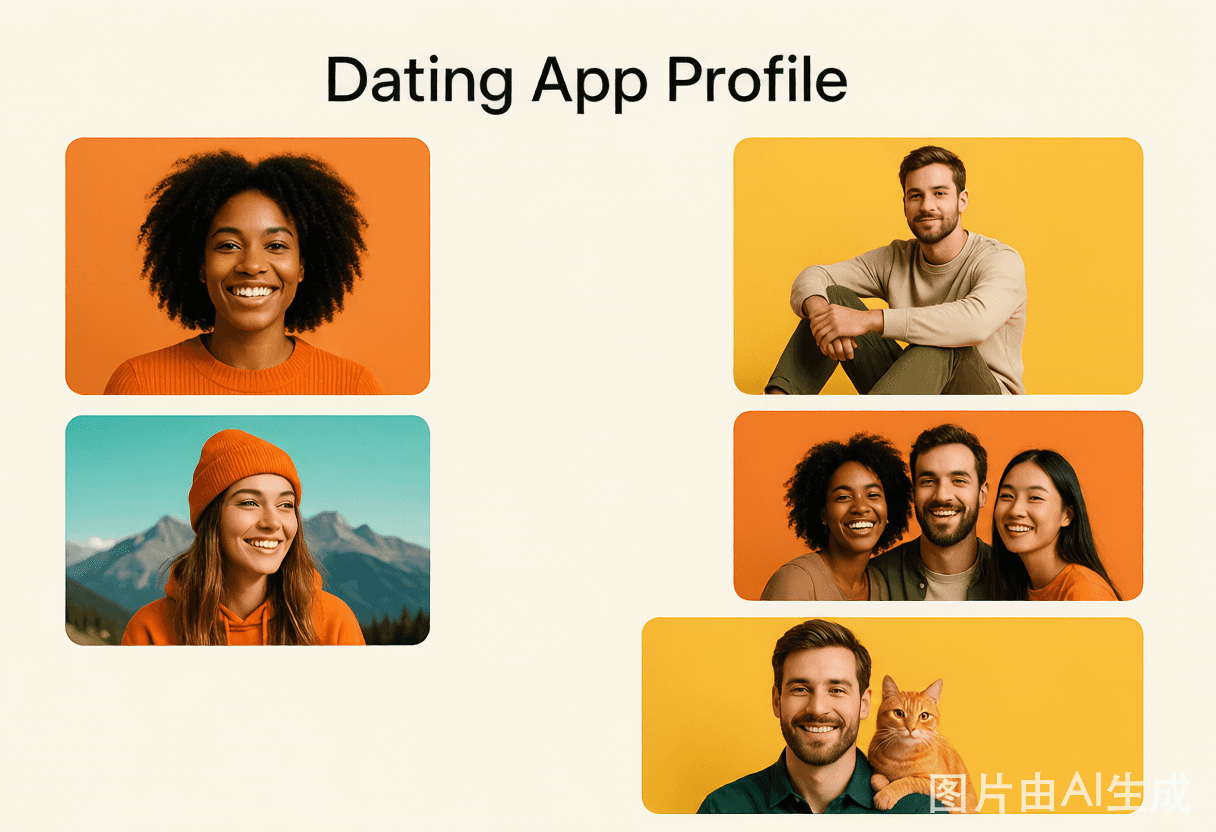
- A clear solo lead photo. Face and eyes visible, well-lit, approachable expression. This is the photo that earns the swipe.
- A full-body shot. Viewers want context a face-only lineup cannot give. A natural full-body photo in a real setting beats a posed mirror shot.
- An activity or hobby photo. A photo of you doing something you actually enjoy — hiking, cooking, playing an instrument — gives a viewer an easy conversation opener.
- A social photo. One photo with friends signals social proof. Just one — and not as the lead, because viewers should not have to guess who you are.
- A second clear solo photo from a different angle. Repeating the same angle across multiple photos reads as thin. Vary the framing.
- A photo that shows personality. Something candid or specific to you — a travel shot, a pet, a moment — that makes you feel like a real person rather than a stock lineup.
You do not need all six, and you should not force a photo into a slot if you do not have a good one. But every photo in your lineup should earn its place by doing a job the others do not.
How to pick your first Tinder photo
Your first Tinder photo is the most important photo you will ever choose for online dating. The best first photo is not your most attractive photo — it is the one that earns a second look in under a second.
A strong first Tinder photo has five traits:
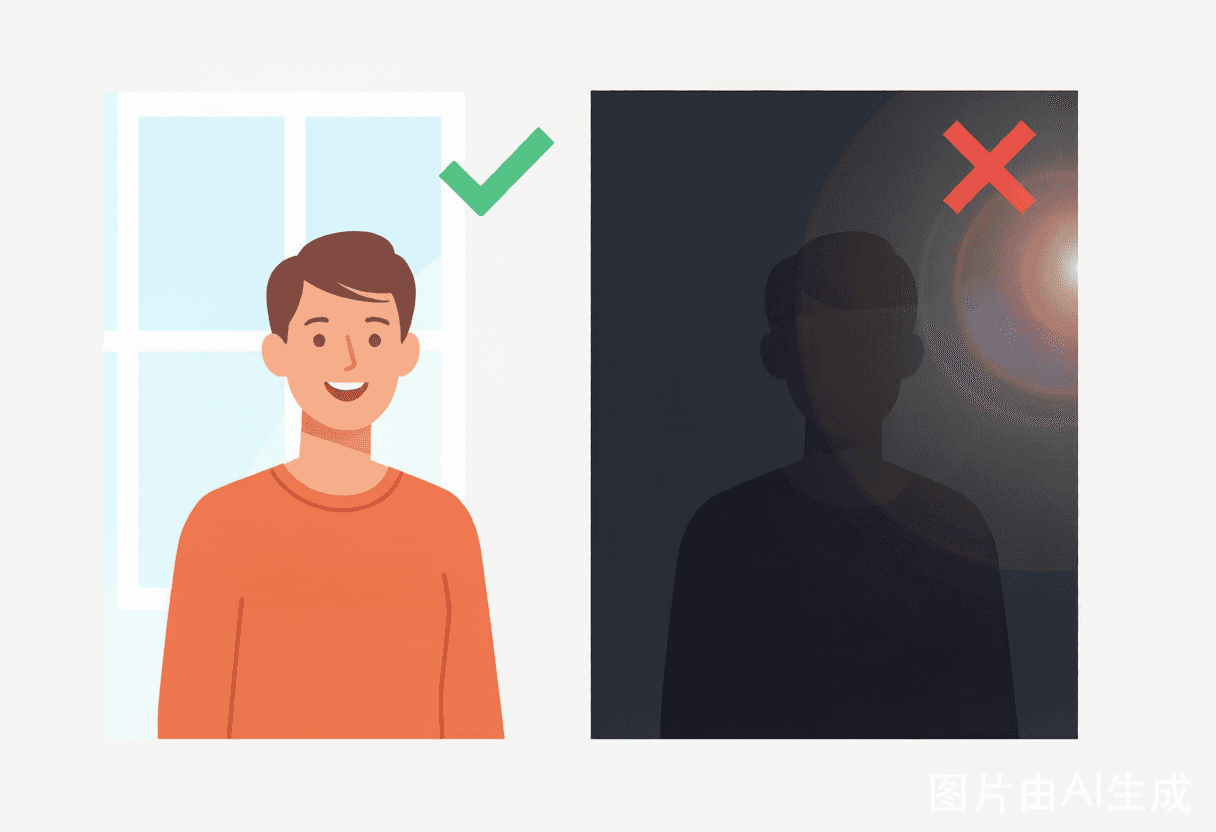
- Clarity. Sharp, well-lit, high resolution. Tinder shows this photo full-size, so any blur or pixelation is amplified.
- Face and eyes visible. Sunglasses, heavy filters, or distance from the camera all weaken the trust signal that drives a right swipe.
- Approachable expression. A smile or warm expression reads as more approachable than a neutral or serious look.
- Clean composition. A centered subject with a simple background survives Tinder's card crop better than a busy frame.
- Unambiguous. A viewer should know exactly who you are in the first photo. No group shots, no distant silhouettes.
If you are stuck between two photos for the lead, pick the one that is clearer and shows your face more directly. Attractiveness matters less than clarity in the lead position — a viewer swipes right on clarity and trust in the first second, then decides whether they are attracted once they have scrolled.
For a platform-specific breakdown of what each Tinder photo is doing, see our Tinder photo analysis guide.
How to order the rest of your Tinder photos
Once your lead photo earns the swipe, the rest of your lineup has one job: give the viewer enough context to start a conversation and feel good about the match.
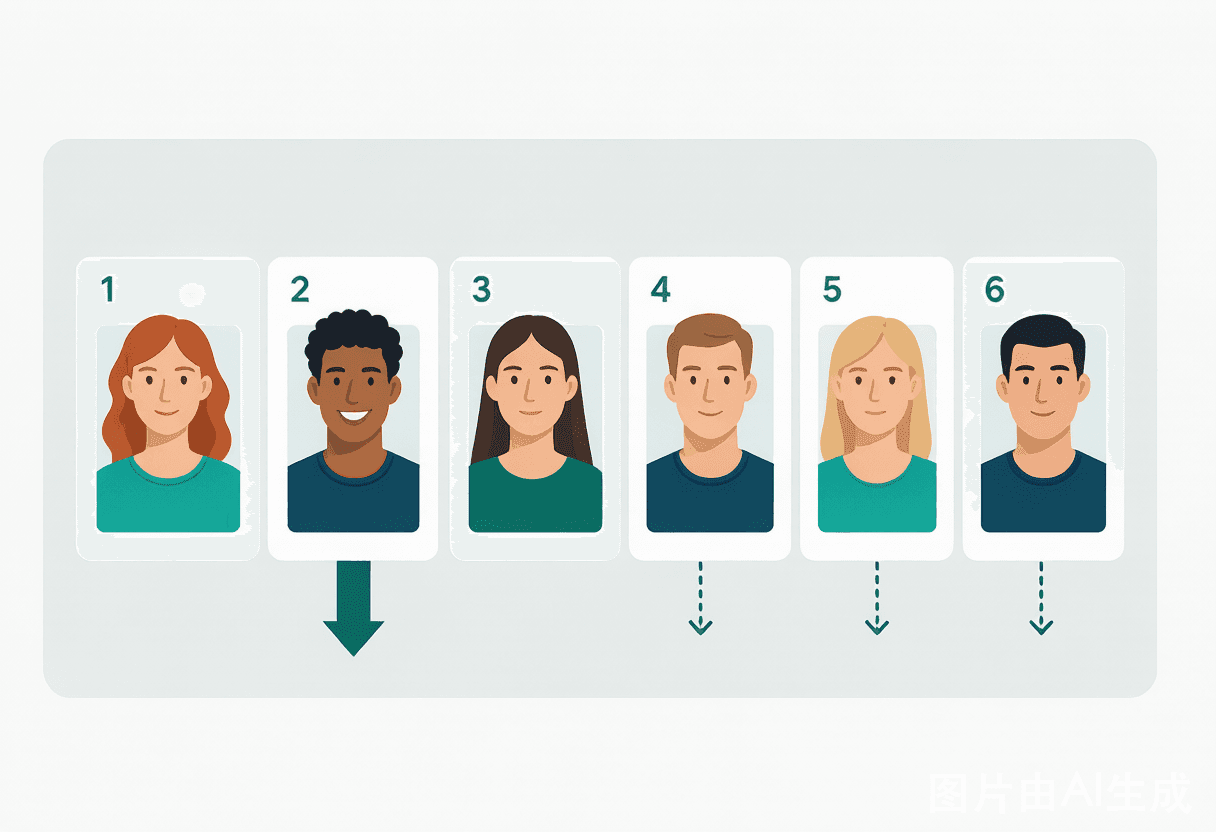
A reliable order is:
- Lead photo — clear solo, face visible, earns the swipe.
- Full-body or context photo — shows the rest of you, in a real setting.
- Activity or hobby photo — gives a viewer something to ask about.
- Social photo — one shot with friends, for social proof.
- Personality photo — something specific to you that feels real.
The key principle is variety. Each photo should add information the previous one did not. Repeating the same angle, the same outfit, or the same setting across multiple photos reads as a thin profile, and a thin profile gets fewer matches even when the individual photos are fine.
Avoid burying your best photos in position five or six. Most Tinder viewers do not scroll that far, so a great photo in slot six is effectively invisible. If a photo is strong enough to be in your lineup, it should either be the lead or sit in slot two or three where it actually gets seen.
Tinder photo mistakes that quietly kill matches
Some photos do not just fail to help — they actively reduce your match rate by sitting in your lineup. These are the most common ones a Tinder photo analysis catches:
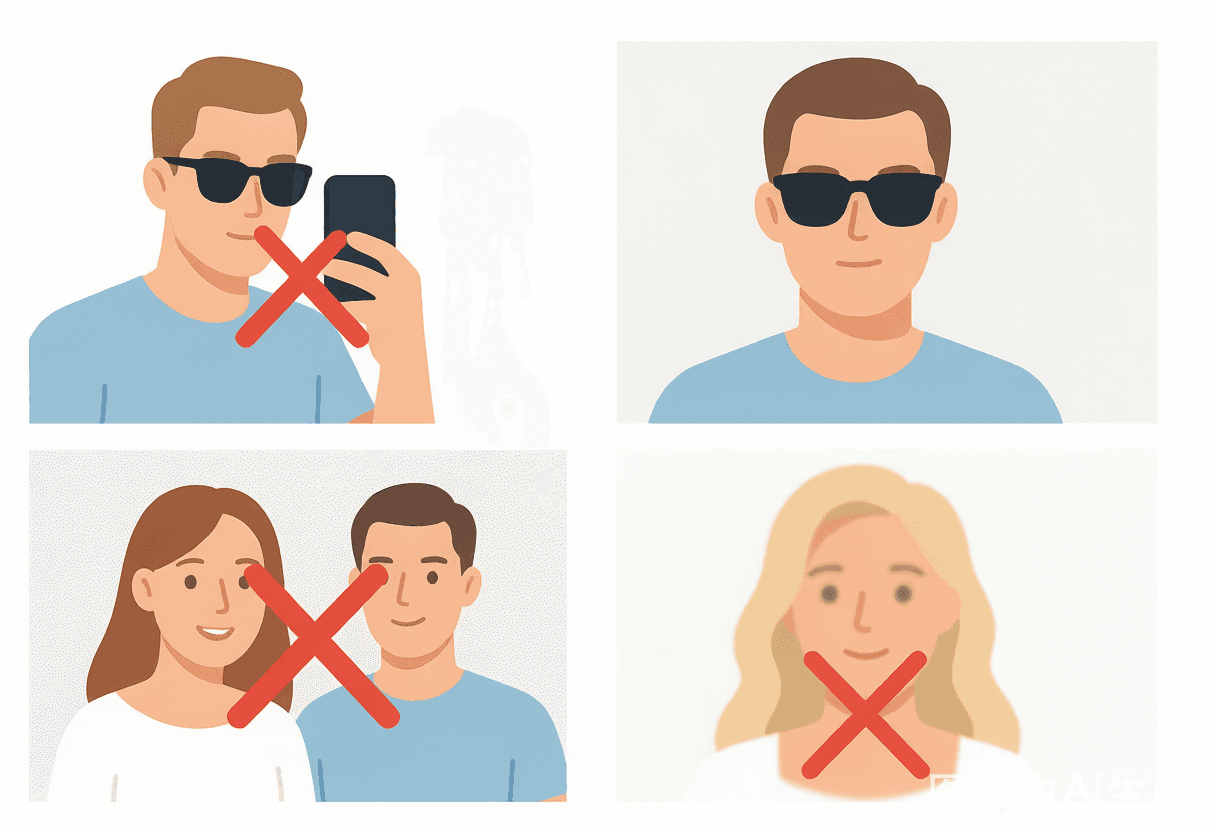
- Sunglasses in the lead photo. Hiding your eyes kills the trust signal that drives a right swipe.
- A group photo as photo one. Forcing a viewer to guess who you are is a guaranteed way to lose swipes.
- Too many selfies. A selfie-heavy lineup reads as low social proof and limited social context.
- Mirror selfies. The phone in the shot breaks framing and feels dated.
- Blurry or low-resolution photos. Low quality reads as low effort and gets swiped left fast.
- No smile in the lead. A neutral or serious first photo reads as unapproachable.
- The same lineup on every app. Photos perform differently across Tinder, Hinge, and Bumble. Recycling one lineup everywhere leaves matches on the table.
The fix is rarely "take better photos." It is usually "remove the two photos that are hurting you, move a buried good photo to the lead, and add one full-body shot you are missing." That is a concrete, actionable change — and it is exactly the kind of change a Tinder photo analysis is built to hand you.
Want AI to pick your best photo?
Still guessing which photo should lead? ProfileFixAI reads every photo you upload and tells you which one should be your first, which to keep, and which to remove — for Tinder, Hinge, or Bumble. Analyze your photos free → or try the Dating Profile Photo Analyzer to upload 3–10 photos and get a Tinder-ready ranking.
FAQ
How many Tinder photos should I use?
Use 4 to 6 photos. Tinder lets you add up to 9, but empty slots read as a thin profile and too many photos dilute quality. A focused set of 4 to 6 strong photos outperforms 9 mediocre ones.
What makes a good first Tinder photo?
A clear, well-lit solo shot where your face and eyes are visible, you are smiling or look approachable, and the background is clean. It should be unambiguous about who you are in under a second.
Should I use a professional headshot on Tinder?
Not necessarily. Tinder rewards authenticity over polished studio shots. A clear candid with good lighting usually outperforms a stiff headshot, which can read as try-hard or fake.
Can AI really pick my best Tinder photo?
Yes. ProfileFixAI reads each photo across clarity, face visibility, expression, lighting, and trust signals, then ranks them for the Tinder lead position. It gives a concrete ranking tied to specific photos, not a generic attractiveness score.
Should I use the same photos on Tinder and Hinge?
Not always. Tinder rewards a fast first impression; Hinge rewards photos that invite a comment. The same photo can perform differently across apps, so it's worth tailoring your lead photo to each platform.
FAQ
How many Tinder photos should I use?
Use 4 to 6 photos. Tinder lets you add up to 9, but empty slots read as a thin profile and too many photos dilute quality. A focused set of 4 to 6 strong photos outperforms 9 mediocre ones.
What makes a good first Tinder photo?
A clear, well-lit solo shot where your face and eyes are visible, you are smiling or look approachable, and the background is clean. It should be unambiguous about who you are in under a second.
Should I use a professional headshot on Tinder?
Not necessarily. Tinder rewards authenticity over polished studio shots. A clear candid with good lighting usually outperforms a stiff headshot, which can read as try-hard or fake.
Can AI really pick my best Tinder photo?
Yes. ProfileFixAI reads each photo across clarity, face visibility, expression, lighting, and trust signals, then ranks them for the Tinder lead position. It gives a concrete ranking tied to specific photos, not a generic attractiveness score.
Should I use the same photos on Tinder and Hinge?
Not always. Tinder rewards a fast first impression; Hinge rewards photos that invite a comment. The same photo can perform differently across apps, so it's worth tailoring your lead photo to each platform.
Want AI to choose your best photo?
Upload your photos and get a photo-by-photo ranking and fix list for free.
Analyze Your Photos Free